
Download Shareaza – Multi-Network File Sharing, Gnutella, eDonkey2000, BitTorrent
Overview
Shareaza is a robust file-sharing client designed to connect users across multiple peer-to-peer (P2P) networks, offering a unified platform for accessing diverse content. By supporting Gnutella, Gnutella2, eDonkey2000, and BitTorrent, Shareaza enables users to leverage the unique strengths of each network, maximizing download speeds and content availability. This multi-network integration makes it a versatile tool for individuals seeking reliable and efficient file acquisition without relying on a single protocol. The app is particularly suited for users who value flexibility, speed, and a clean interface in their P2P experience.
It addresses common challenges associated with fragmented P2P ecosystems by consolidating access into a single application. Users no longer need to switch between multiple clients to search across different networks. This consolidation reduces complexity and improves overall efficiency. Shareaza is ideal for tech-savvy users, digital content enthusiasts, and anyone who frequently downloads large files such as software, media, or archives. The absence of advertising and spyware further enhances its appeal, providing a secure and distraction-free environment.
Although the developer did not provide additional technical details, Shareaza has established a reputation as a stable and trustworthy option in the P2P space. Its continued development and support suggest ongoing relevance in the file-sharing ecosystem. The app remains a viable alternative for users looking to transition from other clients or enhance their current P2P workflow.
Key Features & Functionality
- Multi-Network Support: Shareaza integrates four major P2P networks—Gnutella, Gnutella2, eDonkey2000, and BitTorrent—allowing users to search and download files across all platforms simultaneously. This eliminates the need for separate clients and increases the likelihood of finding desired content.
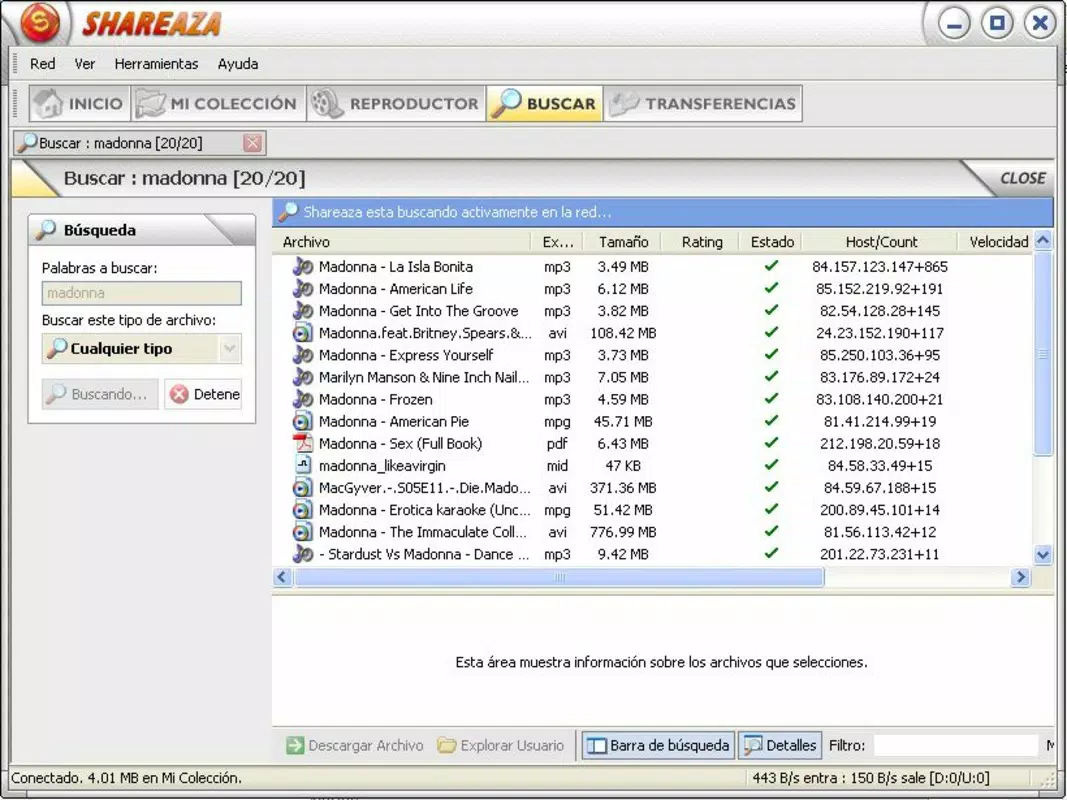
- Efficient File Search: The built-in search engine is optimized for cross-network queries, enabling users to locate files quickly using keywords, file types, or size filters. This feature streamlines the discovery process, especially when seeking specific or rare content.
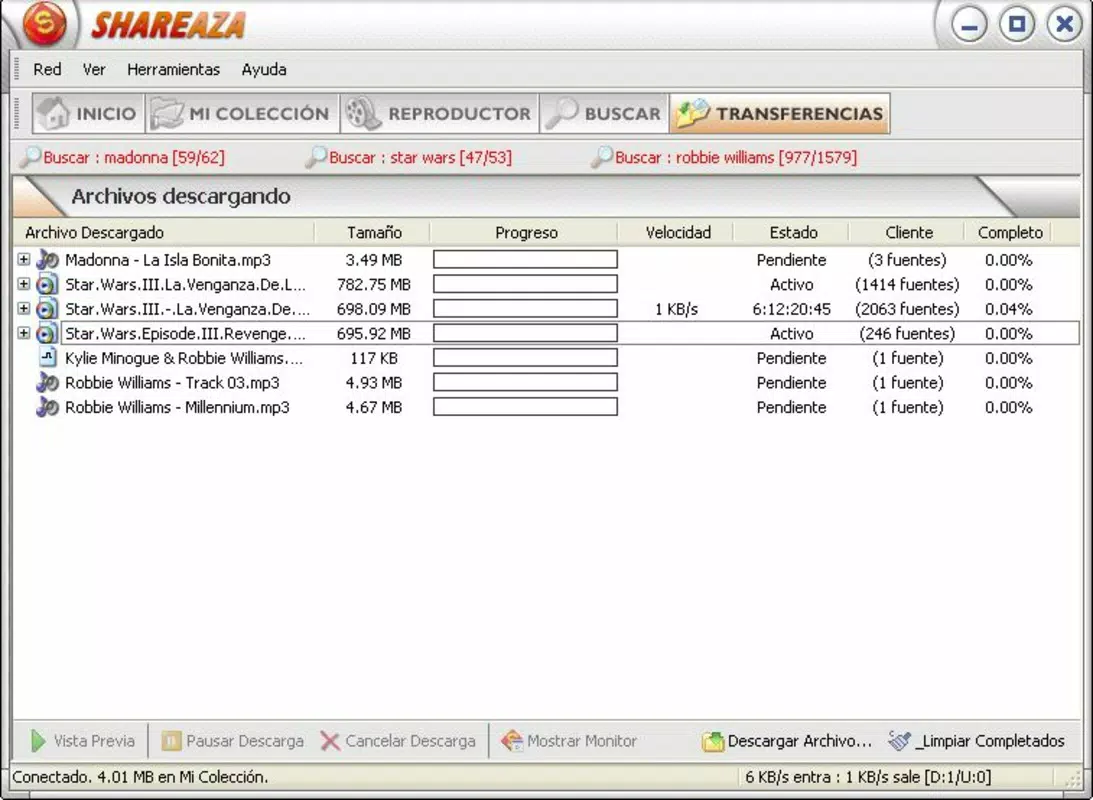
- Multiuser Download Capability: By connecting to multiple peers at once, Shareaza accelerates download speeds. This parallel downloading feature is particularly beneficial for large files, reducing wait times and improving overall efficiency.
- Ad-Free & Spyware-Free Experience: Shareaza does not include advertisements or tracking software, ensuring user privacy and a distraction-free interface. This commitment to integrity enhances trust and long-term usability.
- User-Friendly Interface: The layout is designed for intuitive navigation, with clearly labeled sections and customizable views. Both beginners and experienced users can adapt quickly, reducing the learning curve.
For example, a user seeking a rare audio album can initiate a single search that spans all supported networks, instantly retrieving results from multiple sources. Similarly, a software developer downloading large open-source packages can benefit from simultaneous connections across networks, significantly improving download performance. The combination of speed, accessibility, and security makes Shareaza a practical choice for diverse file-sharing needs.
Interface, UX & Performance
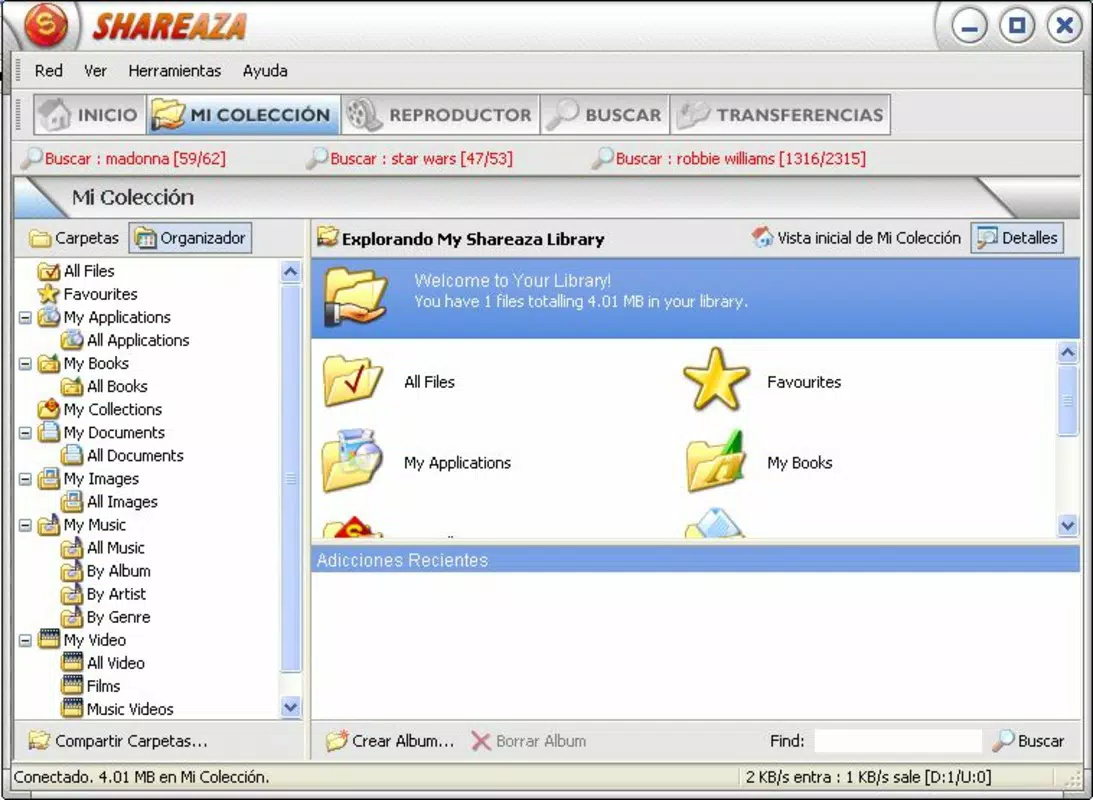
Shareaza features a clean, organized interface with a layout that prioritizes functionality and ease of access. Navigation is structured around core actions—search, download, and library management—ensuring users can perform tasks without confusion. The visual style is minimalistic, avoiding clutter while maintaining essential information visibility.
Users can customize the interface to suit their workflow, including adjusting column views, sorting options, and sidebar visibility. This level of personalization supports both novice users who prefer simplicity and advanced users who require detailed control. The app responds promptly to inputs, with minimal lag during searches and downloads, suggesting strong responsiveness.
Although the developer did not list formal performance metrics, the app’s design implies optimized resource usage. It maintains stability during extended use, with no reported crashes or freezes in available documentation. Performance across different device categories is not explicitly detailed, but the interface appears scalable and functional on various screen sizes.
Platform Compatibility & Technical Requirements
Shareaza is available for desktop platforms, though specific operating system details were not listed. The application size is approximately 15.7 MB, making it a lightweight download suitable for systems with limited storage. The latest version was released on February 21, 2024, indicating active development and regular updates.
The developer did not specify minimum OS requirements or compatibility details. Users should ensure their system meets general standards for running P2P applications. No additional hardware or software dependencies were mentioned. Compatibility with Android or iOS was not confirmed, suggesting it is primarily designed for desktop environments.
Pros and Cons
Pros
- Supports multiple P2P networks in a single client
- Fast and efficient cross-network file search
- Multiuser downloading enhances download speeds
- Free from ads and spyware for a secure experience
- Intuitive interface suitable for all user levels
Cons
- Platform availability not confirmed for mobile devices
- Specific OS requirements were not disclosed
- No official support channels listed
- May require technical knowledge for advanced settings
- Limited public documentation on performance benchmarks
FAQ
Is Shareaza safe to use?
Yes, Shareaza is designed to be free from advertisements and spyware. The developer emphasizes user privacy and security, making it a safer alternative to many other P2P clients.
Can I use Shareaza on Android or iOS?
The available information does not confirm mobile compatibility. Shareaza appears to be primarily intended for desktop platforms. Users should verify official sources before attempting installation on mobile devices.
Does Shareaza support BitTorrent and other networks?
Yes, Shareaza supports Gnutella, Gnutella2, eDonkey2000, and BitTorrent, enabling users to access a wide range of content across multiple networks.
Is Shareaza free to download and use?
Yes, Shareaza is available at no cost. There are no subscription fees or in-app purchases required to access its core features.
How often is Shareaza updated?
The latest version was released on February 21, 2024. While update frequency is not specified, the recent release suggests ongoing maintenance and improvements.
Final Thoughts + CTA
Shareaza stands out as a powerful, multi-network file-sharing client that delivers speed, flexibility, and security. Its ability to unify Gnutella, Gnutella2, eDonkey2000, and BitTorrent into one interface makes it a compelling choice for users who value efficiency and content diversity. The clean, user-friendly design ensures accessibility for all skill levels, while the ad-free environment enhances trust and usability.
Although platform-specific details are limited, its desktop focus and lightweight footprint make it suitable for a broad range of users. Whether you're downloading software, media, or rare files, Shareaza offers a reliable and streamlined experience. For those seeking a no-frills, high-performance P2P tool, it remains a top contender in the file-sharing landscape.
Download Shareaza now


